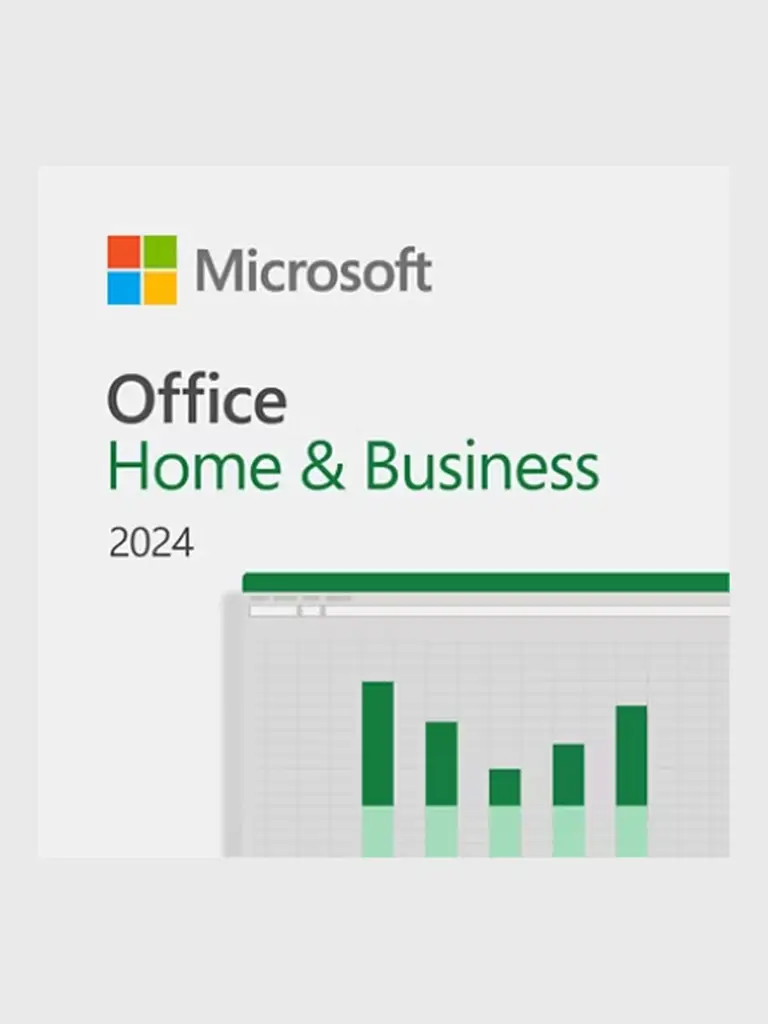
Microsoft Office Home & Business 2024 — PC · 1 device
Key · Global
$59.00
A digital key or code is delivered after payment confirmation.
We will help if activation fails
Shown before purchase
Restrictions are shown before purchase
Help with the order and activation
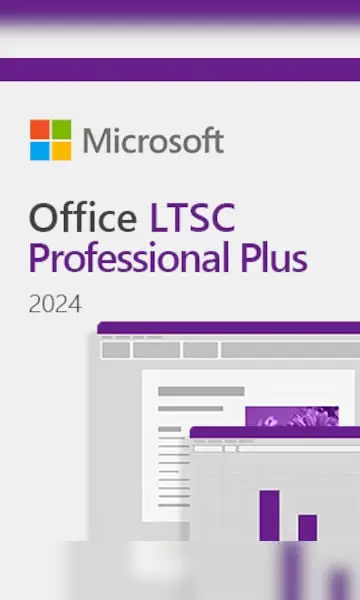
Office LTSC Professional Plus 2024 is a Windows desktop suite for managed workplaces that need a fixed set of productivity tools. Word, Excel, PowerPoint, Outlook, OneNote and Access cover documents, reporting, presentations, email and databases.
LTSC keeps the release’s feature set stable instead of continually adding subscription features. It supports centralized deployment, making it useful where application changes need careful validation. Teams can maintain consistent report templates, workbook models and presentation formats. Access adds desktop database tools for structured records, while Outlook brings email, contacts and calendar planning into the same working environment.
1. Have your administrator install Office LTSC Professional Plus 2024 using Microsoft’s Office Deployment Tool: product ID ProPlus2024Volume, channel PerpetualVL2024.
2. Open an administrator Command Prompt in the installed Office folder containing OSPP.VBS.
3. Run cscript ospp.vbs /inpkey:YOUR-KEY, replacing YOUR-KEY with the delivered key, then cscript ospp.vbs /act. Activation uses the key’s licensed deployment channel.
4. Run cscript ospp.vbs /dstatus and check the license status. Use only your organization’s authorized activation infrastructure; report any error code to support.
For activation help, provide your order number, product edition and error code. Keep passwords, recovery codes and the full product key private.
More in this category
Key · Global
Key · Global
Key · Global

Key · Global
Key · Global

Key · Global
Digital products with clear prices and verified fulfillment.
 USDT
USDT USDC
USDC© 2026 DATABUY. All rights reserved.
DATABUY storefront · commerce engine by Saleor