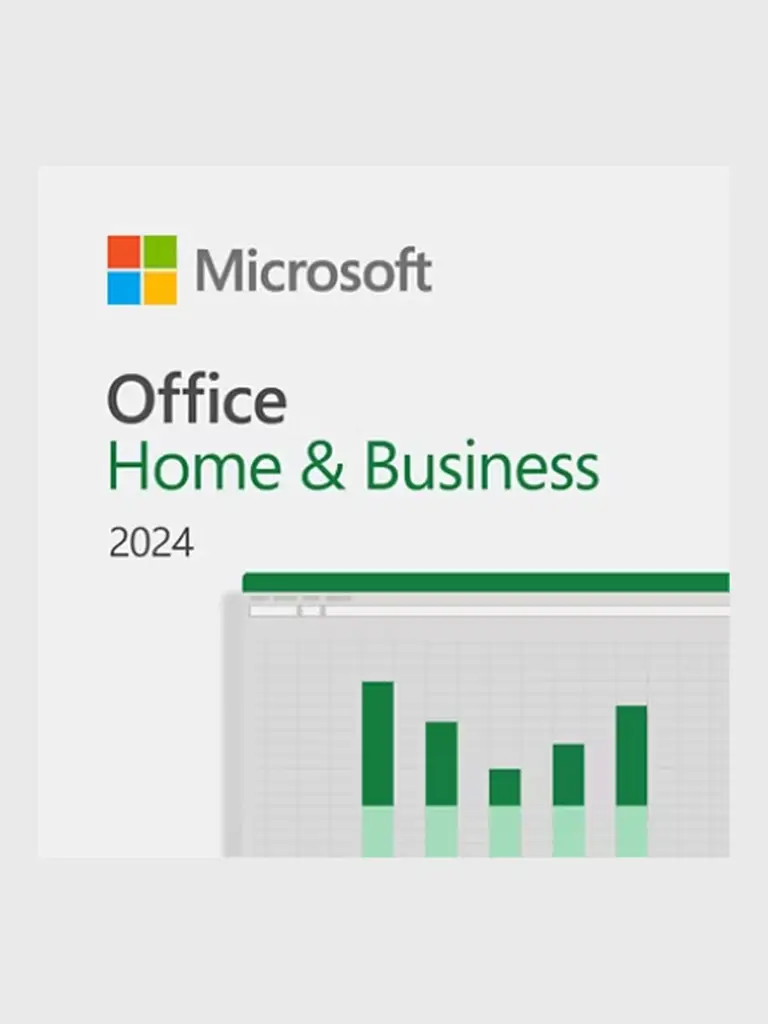
Microsoft Office Home & Business 2024 — PC · 1 device
Key · Global
$59.00
A digital key or code is delivered after payment confirmation.
We will help if activation fails
Shown before purchase
Restrictions are shown before purchase
Help with the order and activation
Windows 11 Home provides a modern desktop for work, study and entertainment. Snap layouts arrange open applications, virtual desktops separate activities, and File Explorer helps keep documents, downloads and project folders organized on your personal PC.
Windows Security brings antivirus and firewall controls into one dashboard, and Windows Hello supports PIN or biometric sign-in on compatible hardware. The Home edition is designed for personal computing, standard desktop programs and media use. It is useful for keeping browser windows, documents and communication apps visible together, with separate desktops available for different activities.
1. Back up your files. If needed, install the matching Windows 11 edition using Microsoft installation media.
2. Connect to the internet and open Settings > System > Activation > Change product key.
3. Enter the delivered 25-character key, select Next and follow the activation prompts.
4. Return to Activation and check that Windows is activated.
For activation help, provide your order number, product edition and error code. Keep passwords, recovery codes and the full product key private.
More in this category
Key · Global
Key · Global
Key · Global
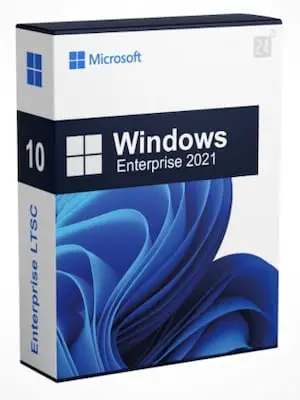
Key · Global
Key · Global
Key · Global
Digital products with clear prices and verified fulfillment.
 USDT
USDT USDC
USDC© 2026 DATABUY. All rights reserved.
DATABUY storefront · commerce engine by Saleor